
Maths AA
HL24 topics · 374 concepts
SL17 topics · 206 concepts
Your two free topics
- Exponentials & logarithms
- Sequences & series
Welcome back to Photon Learning Studio
ContinueEvery IB topic in short steps with a picture for each idea, then exam-style questions and a quick test. Maths, Physics, Chemistry and Biology, HL and SL.
2 topics free in every course · no account needed · full course S$100 for 12 months
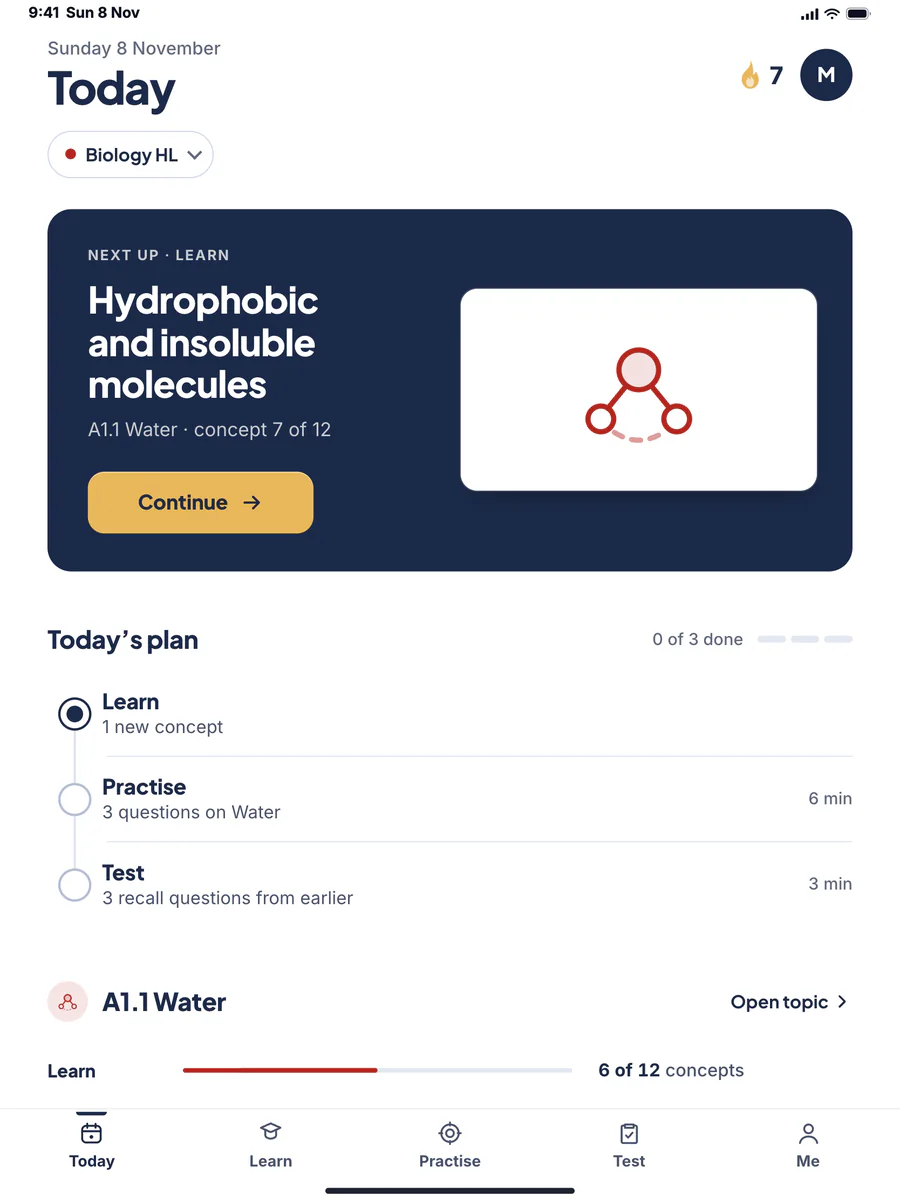
4-minute steps with a picture for every idea
Exam-style questions at five levels, marked part by part
7 questions. Right answers tick concepts off.
Five subjects · ten courses
Each course follows the current IB guide. SL courses show the SL part of the same content. Topic and concept counts come straight from the app.
Your two free topics
Your two free topics
Your two free topics
Your two free topics
Your two free topics
One price
Each course is bought on its own. The free topics are open to everyone.
See the priceHow it works
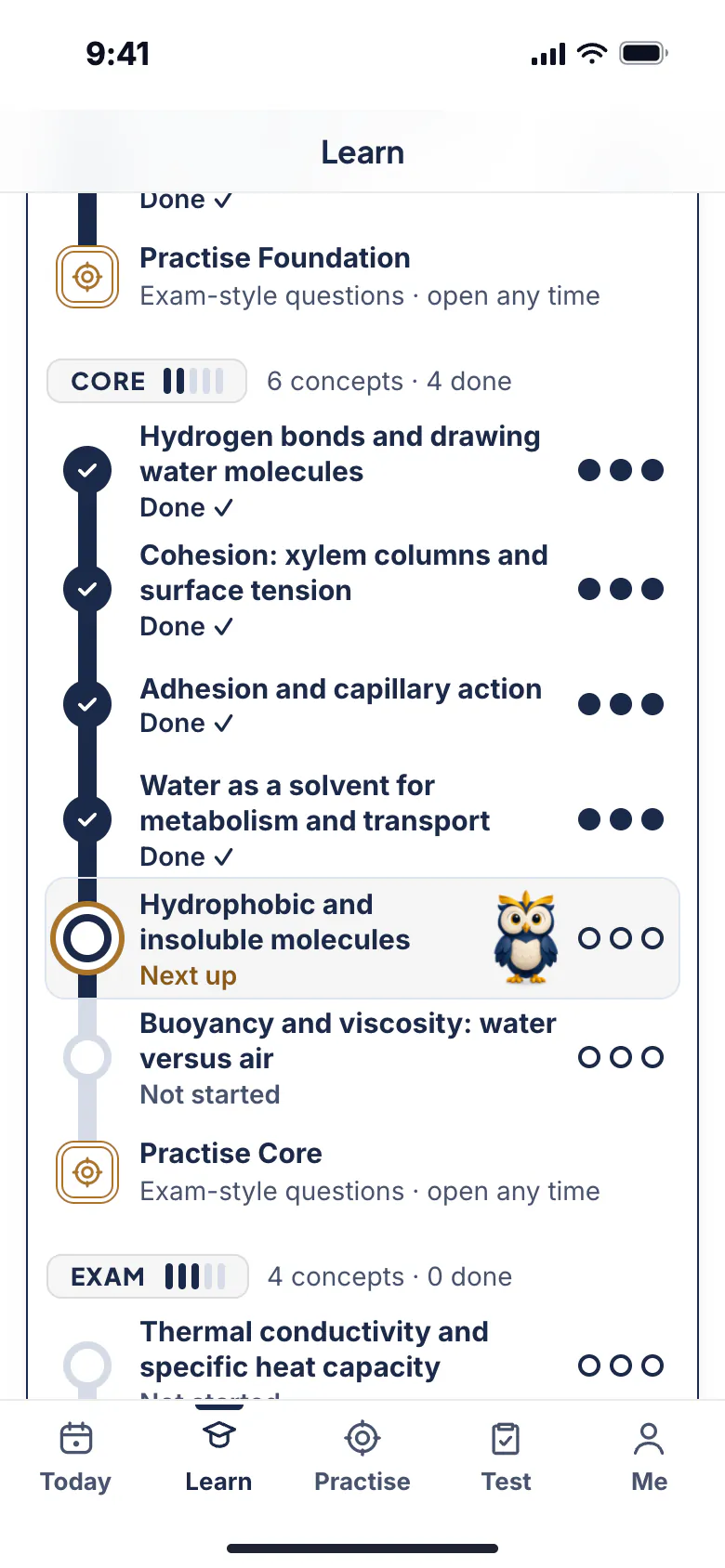
Four steps that feed each other. What you do in one shows up in the next, so you always know where to go.
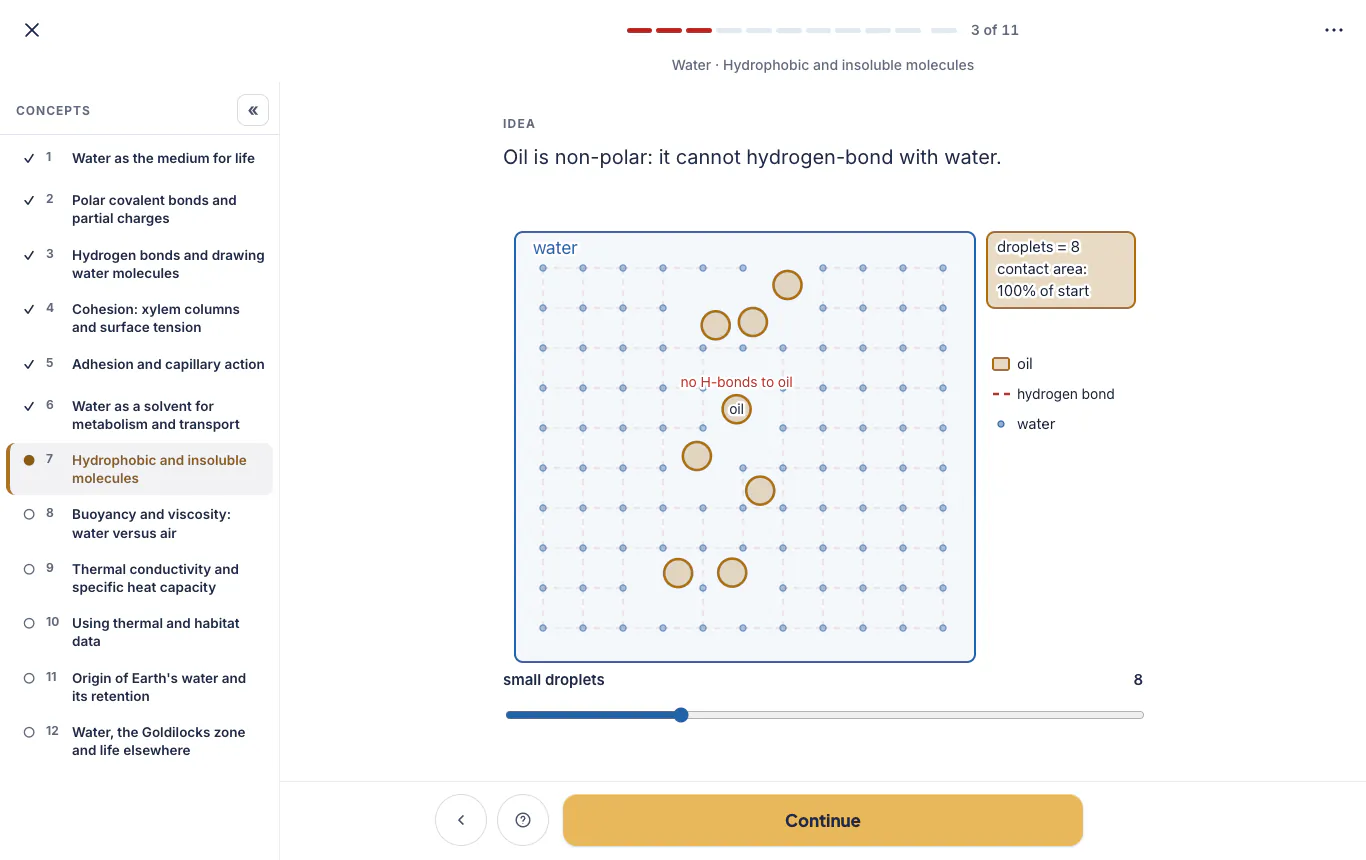
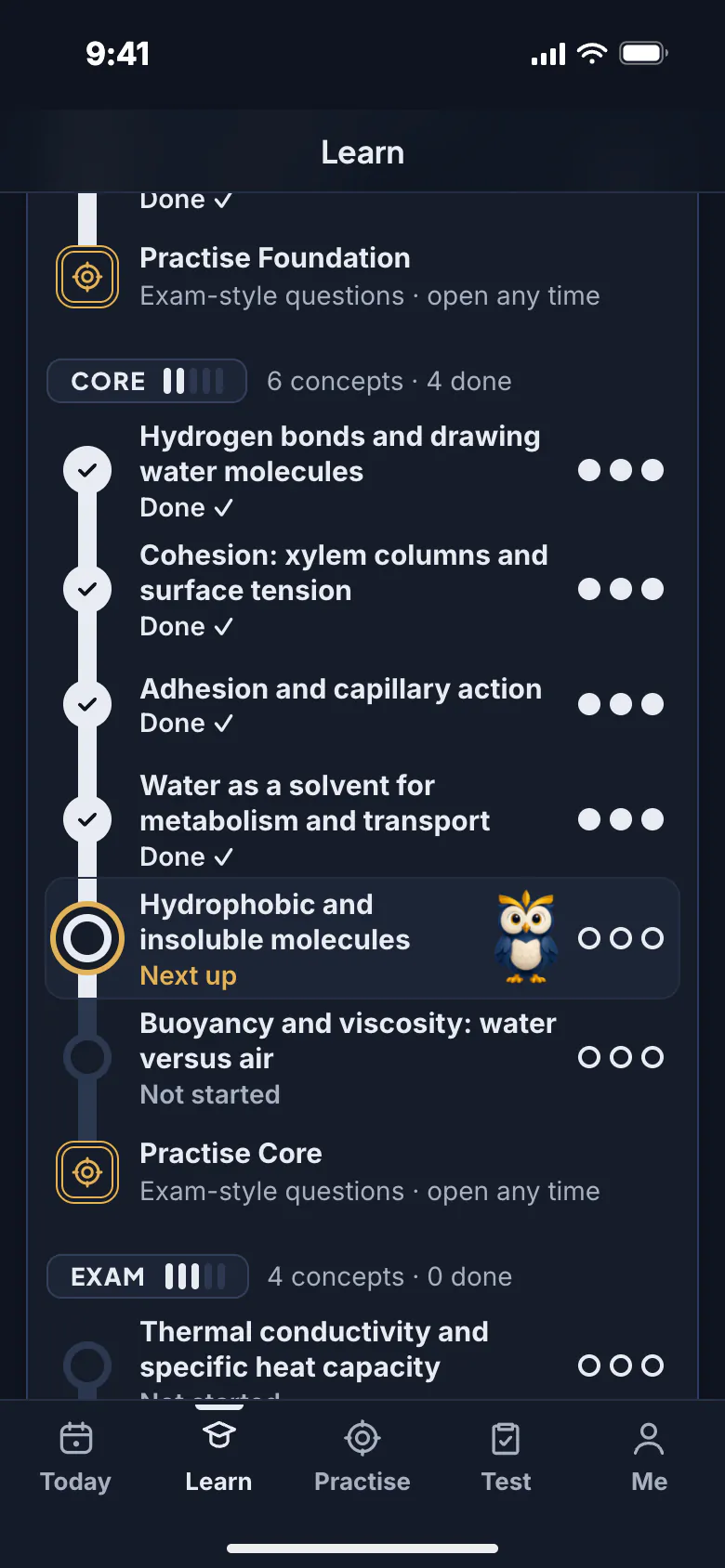
Follow the path. Each concept is a short lesson with an animated visual and hints from Photon the owl.
Exam-style questions from Foundation to Stretch, marked as you answer.
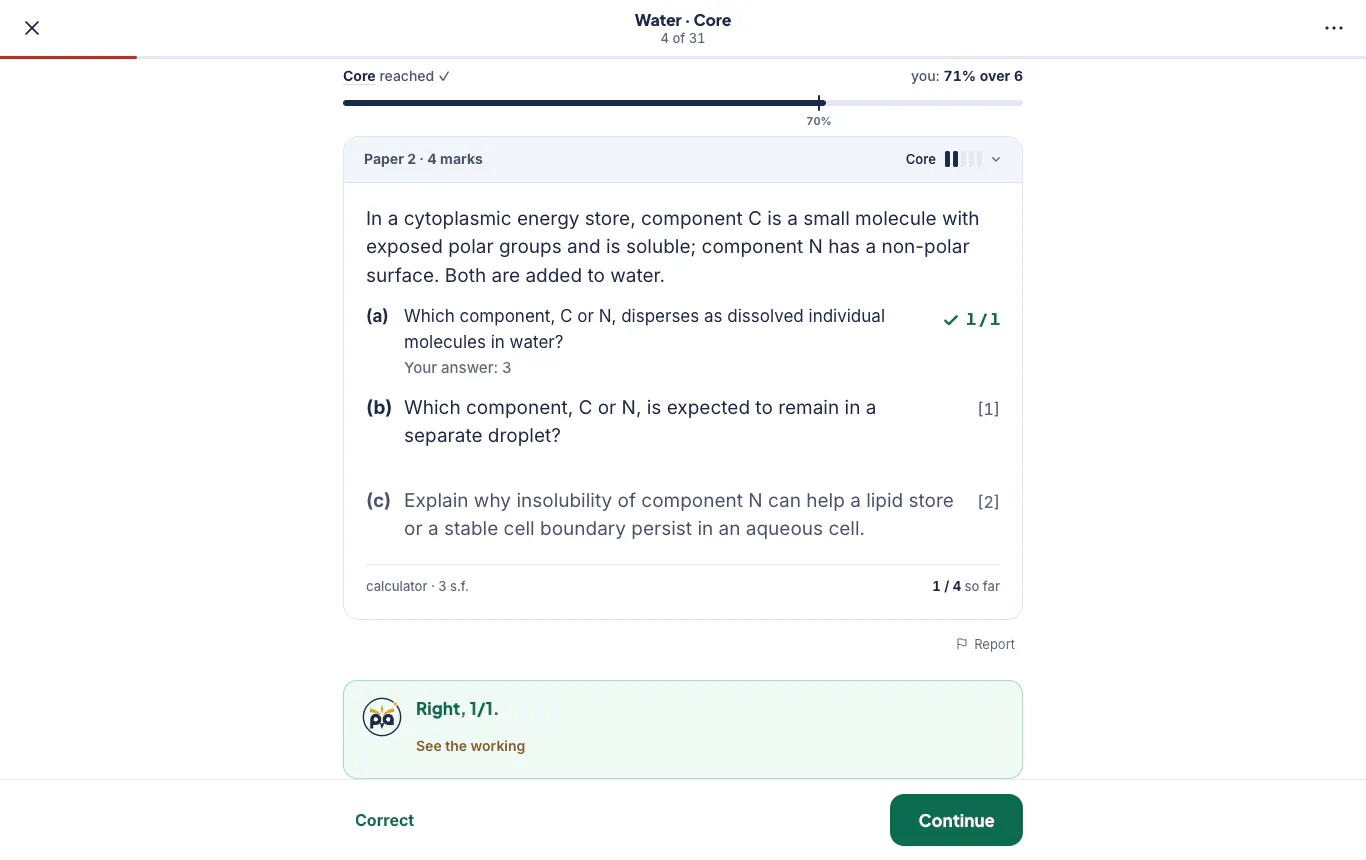
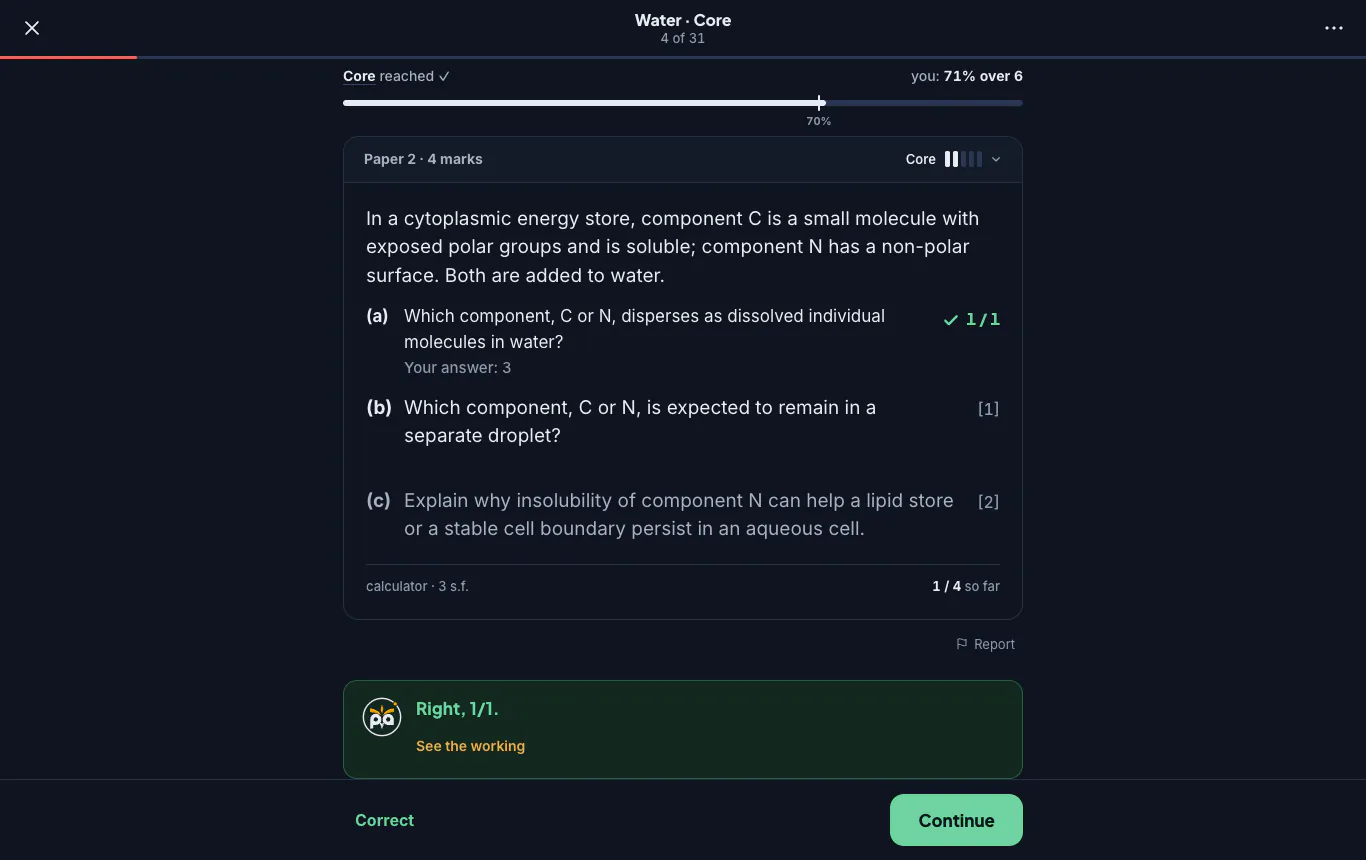
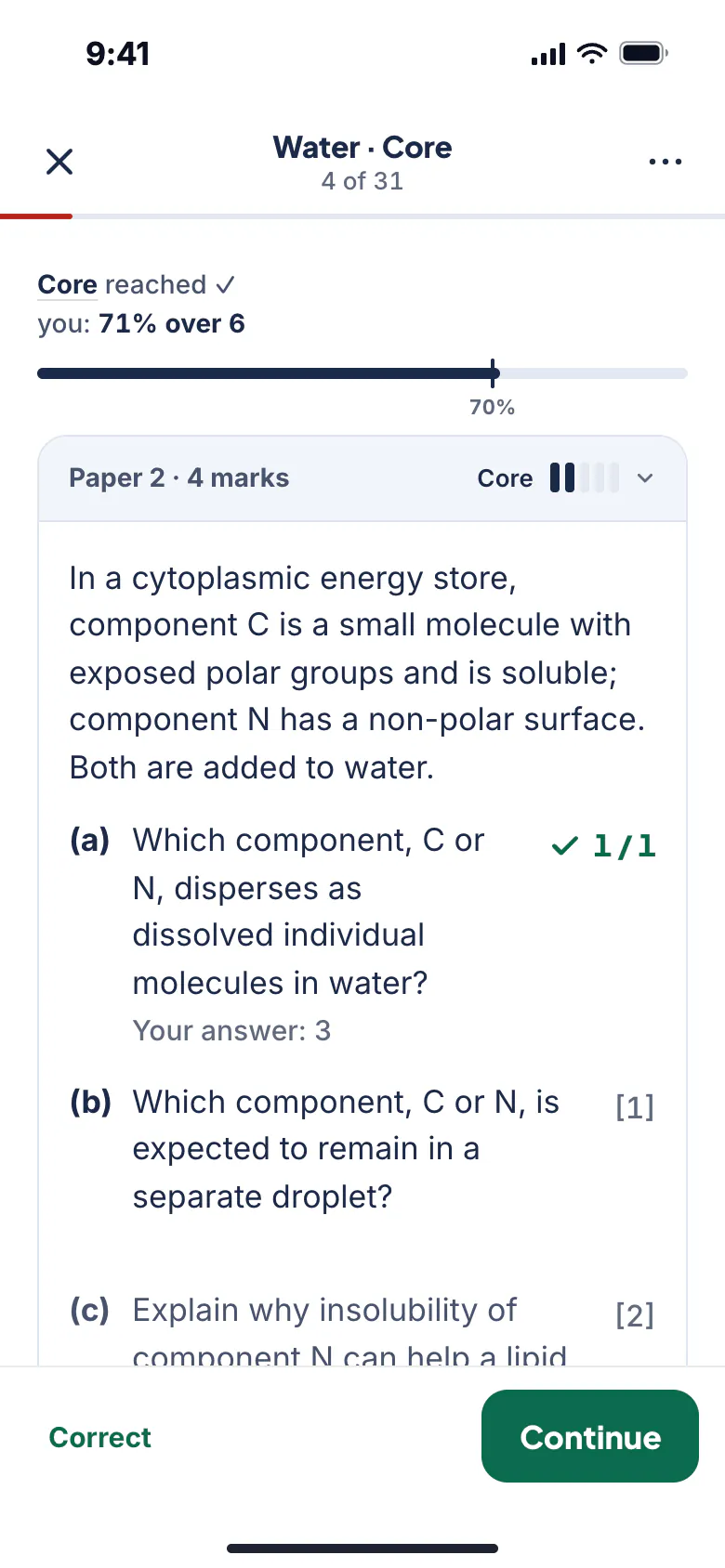
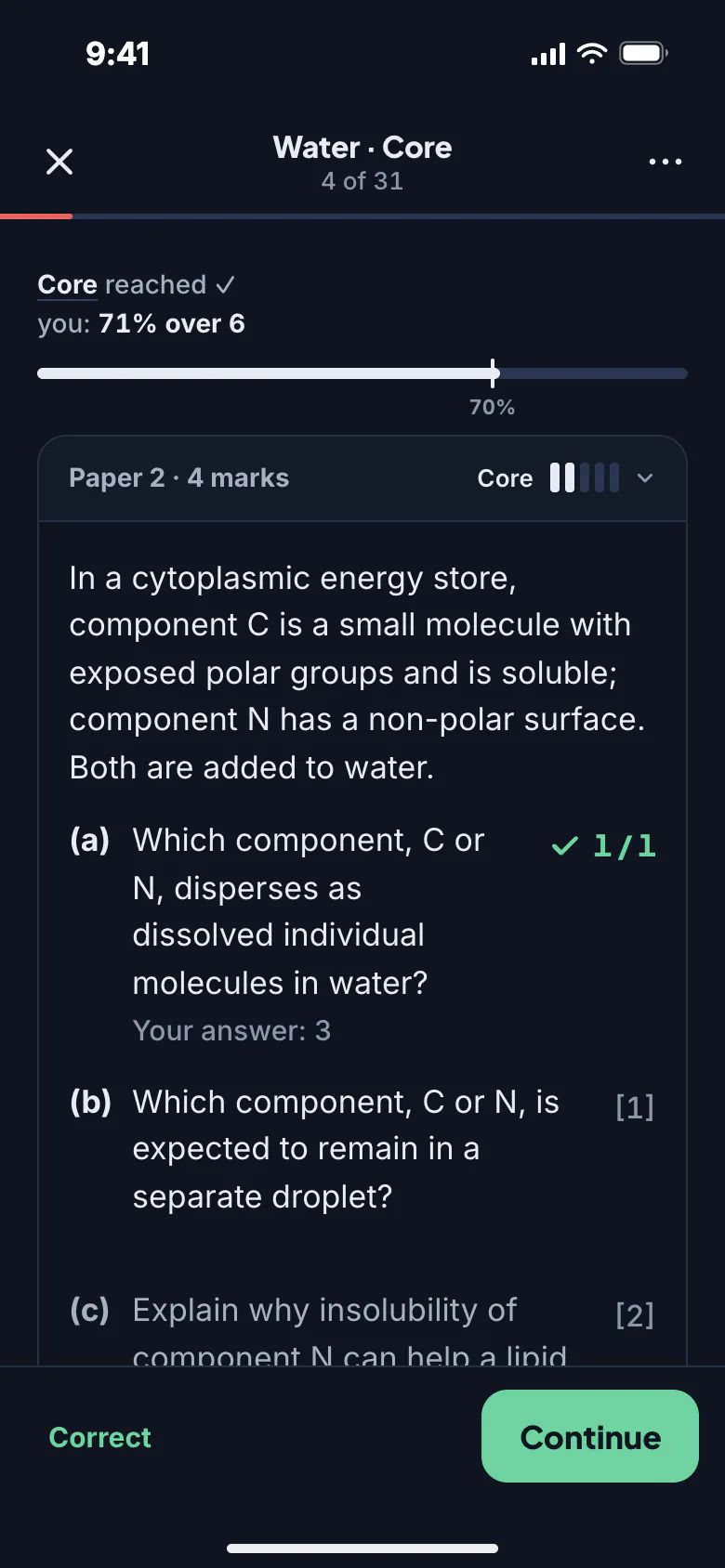
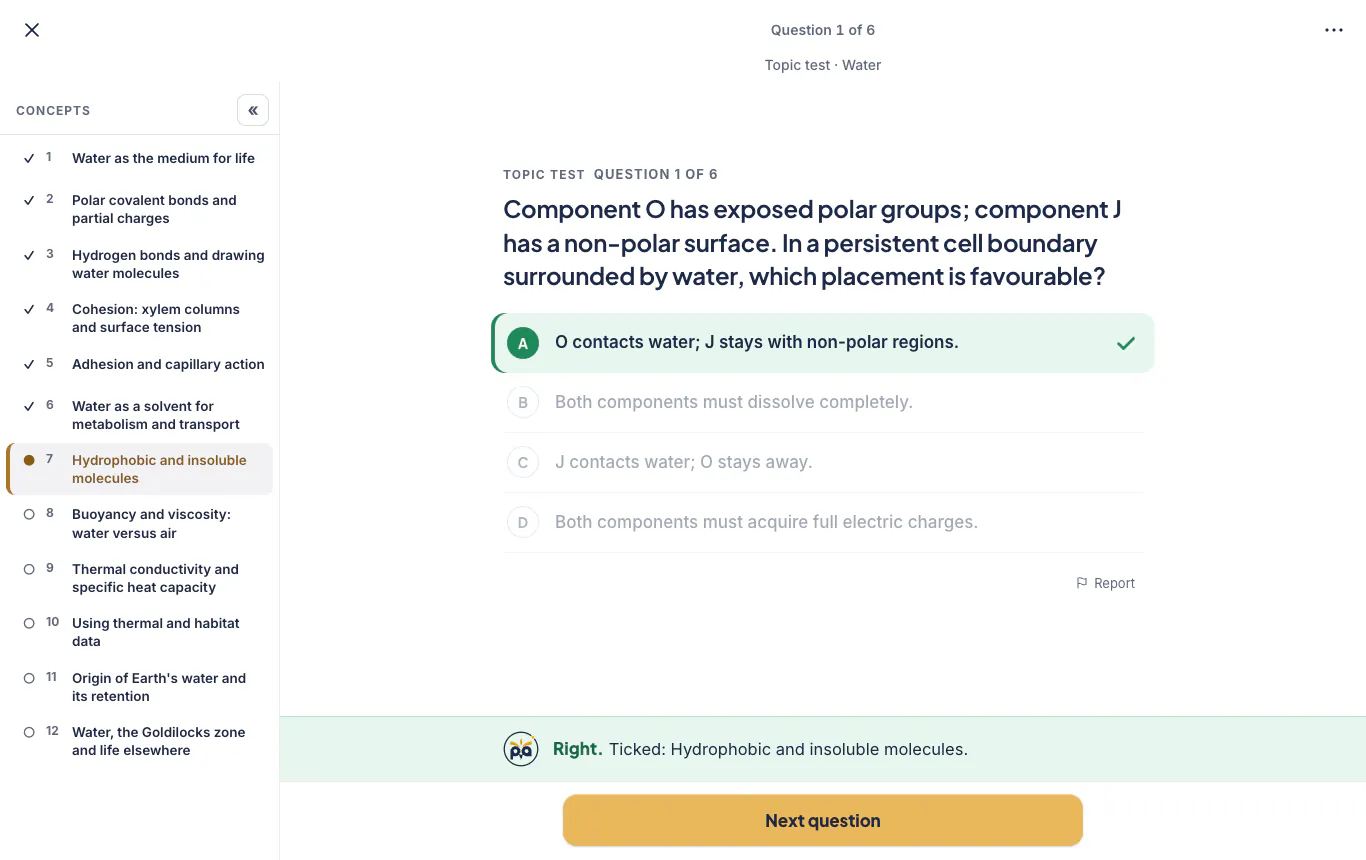
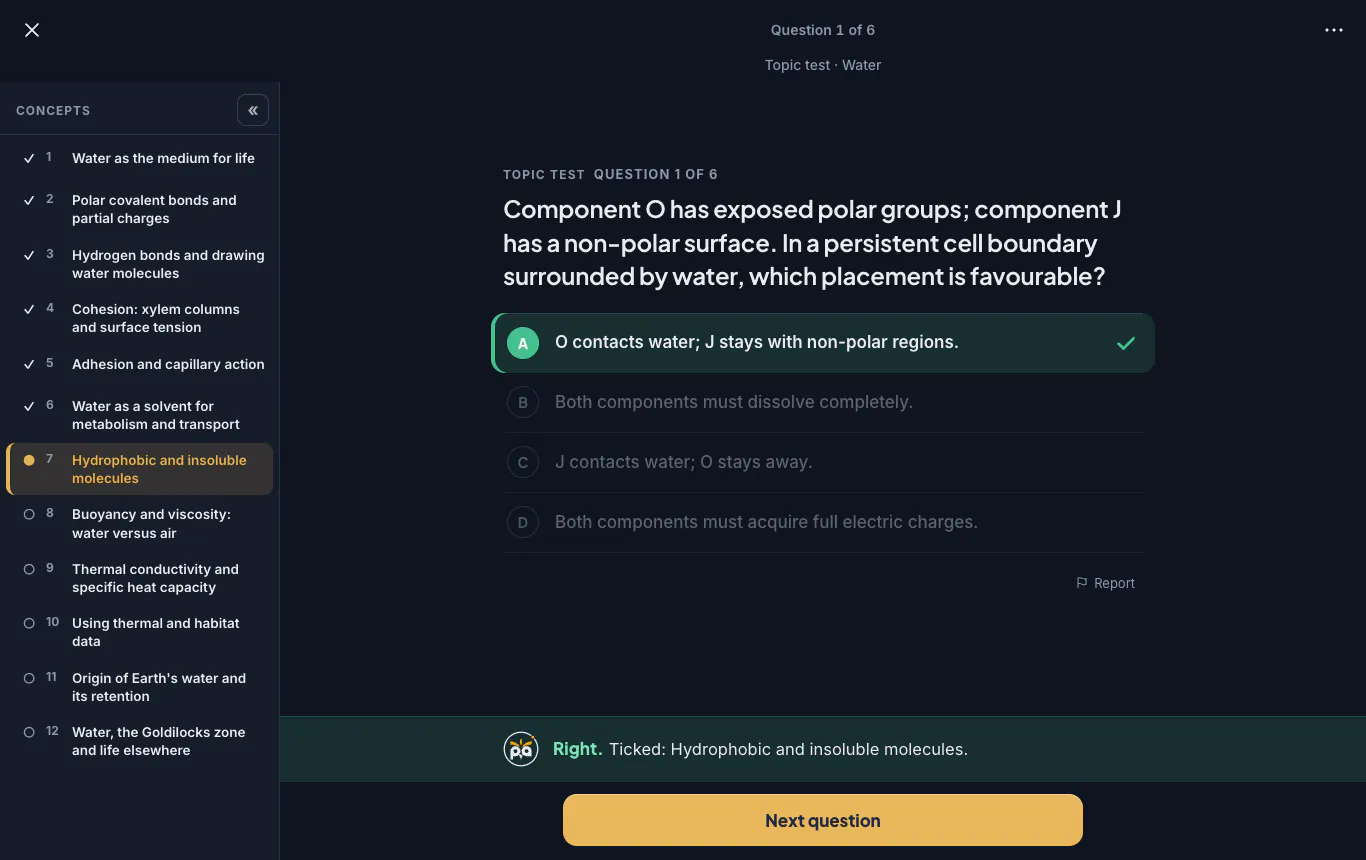
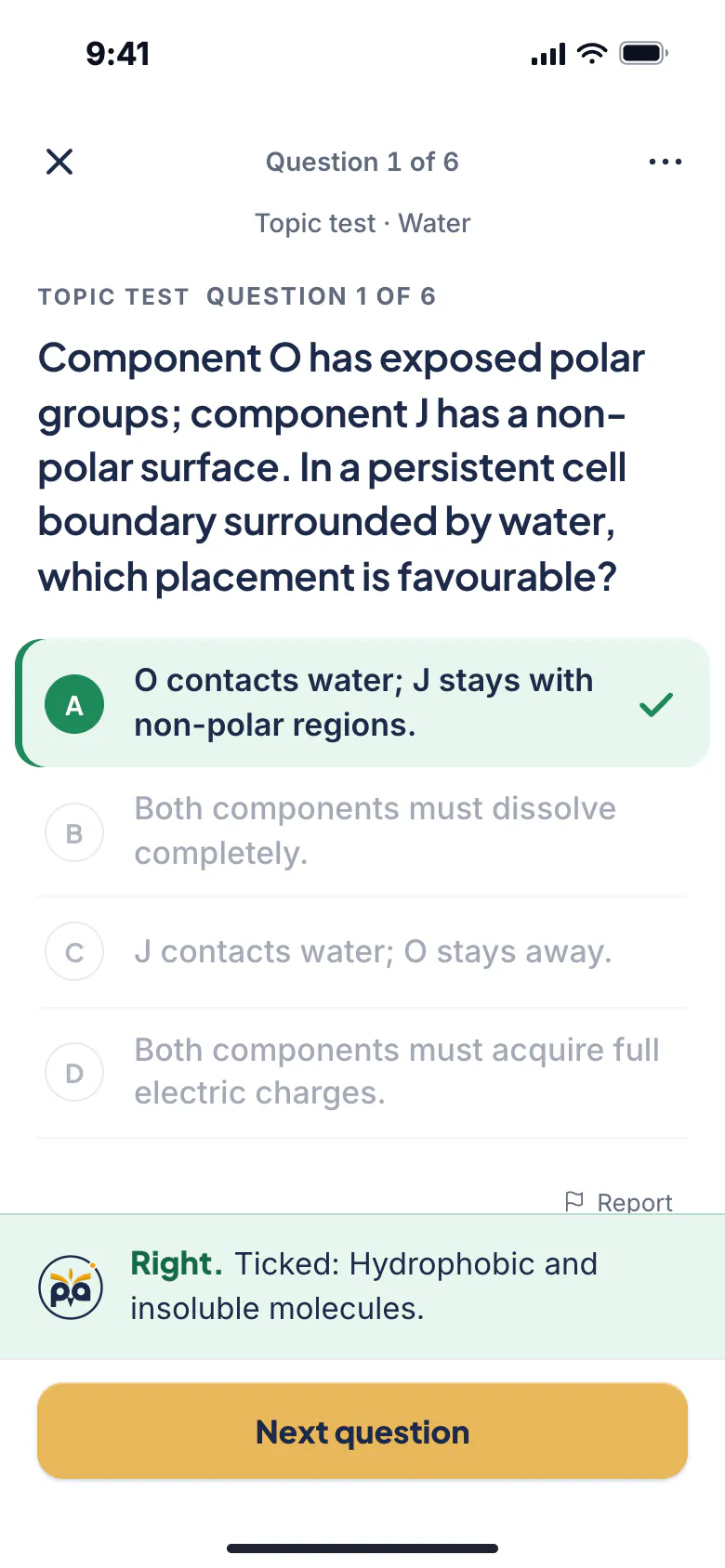
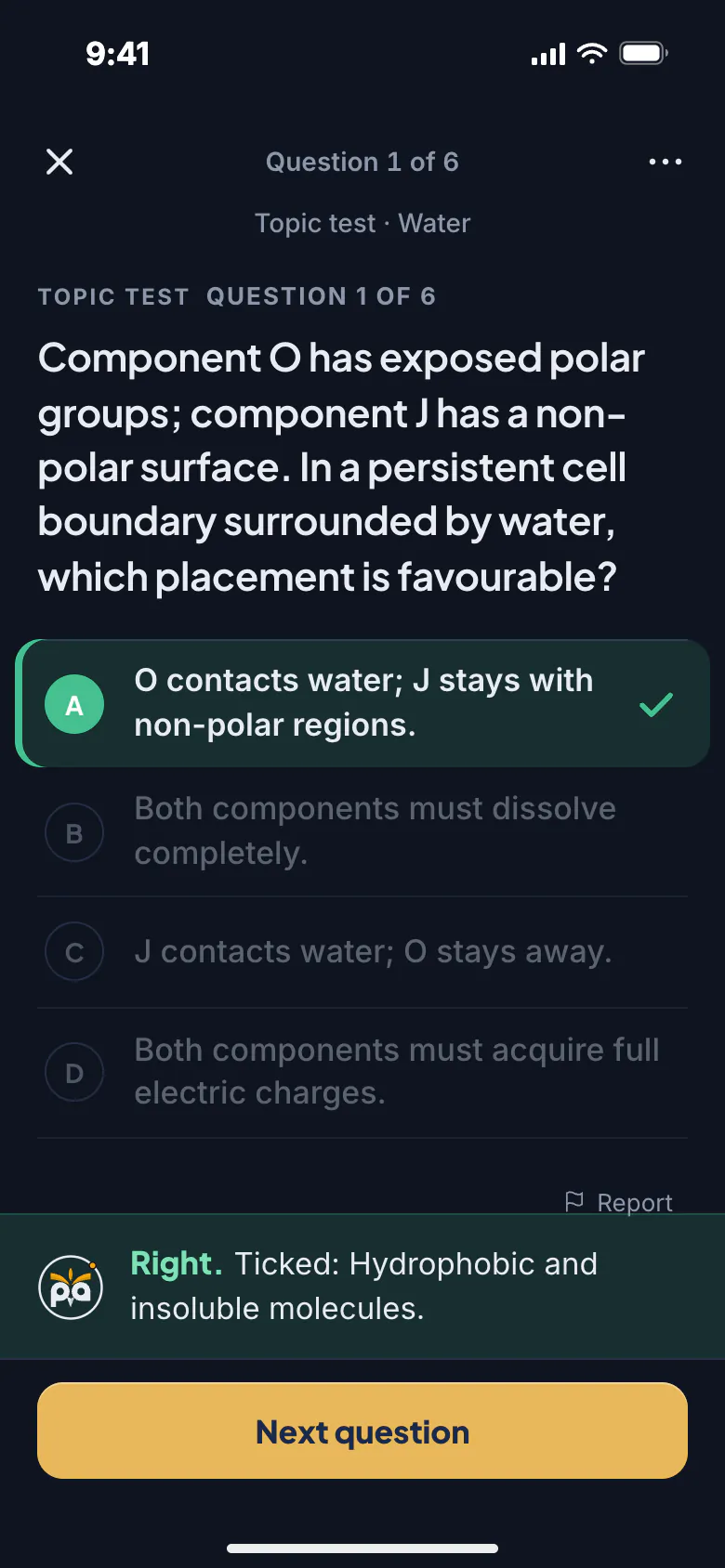
A short topic check. Right answers tick concepts off, so you skip what you know.
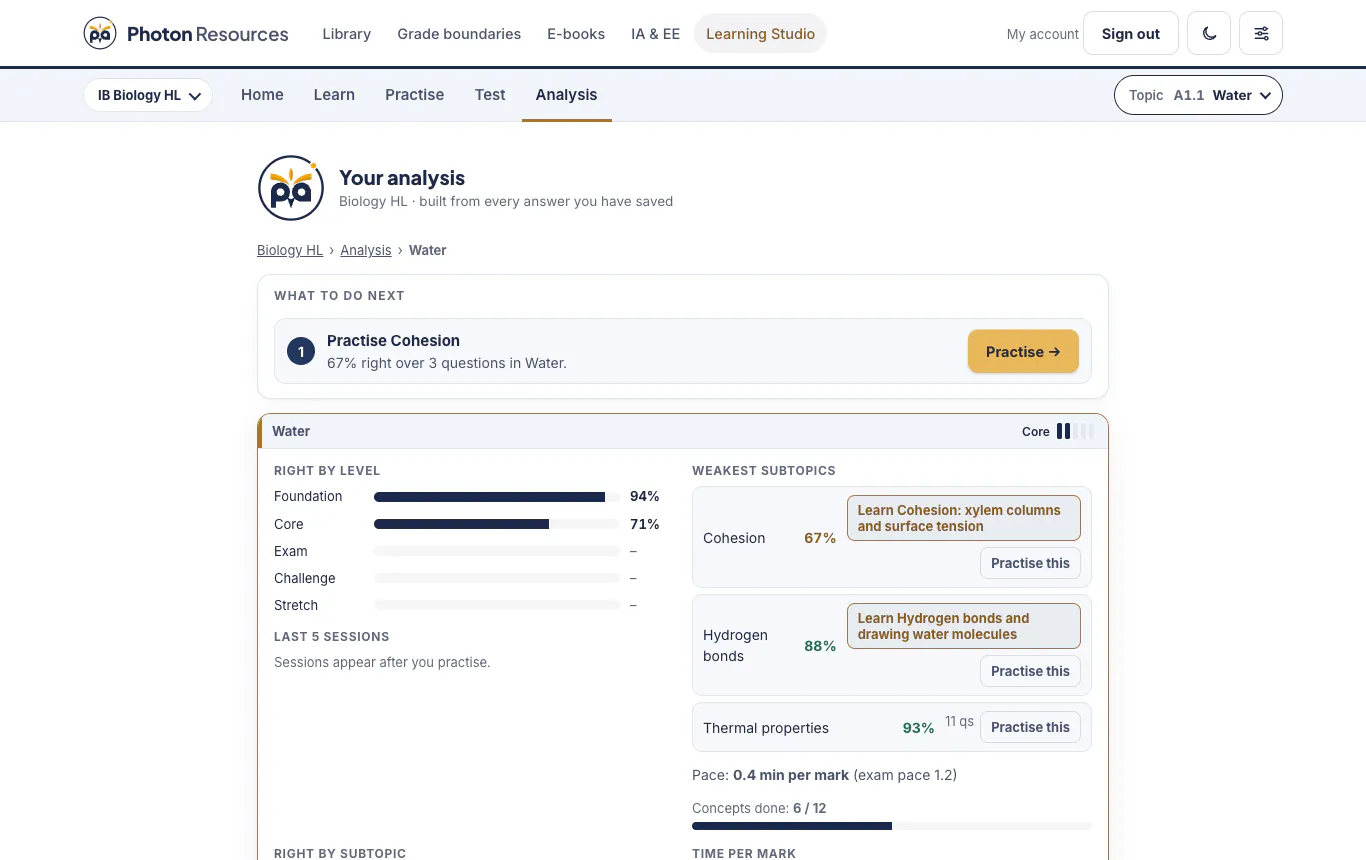
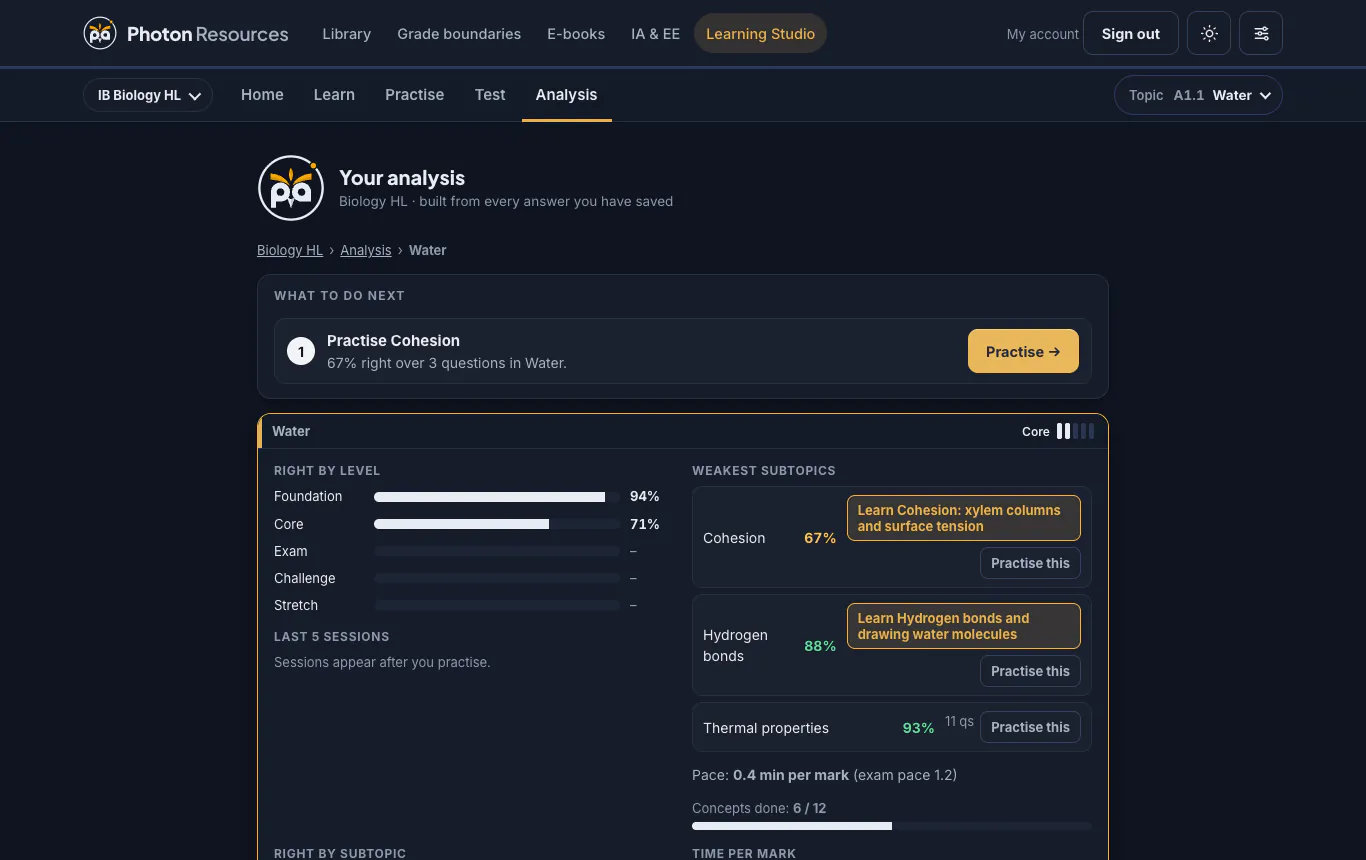
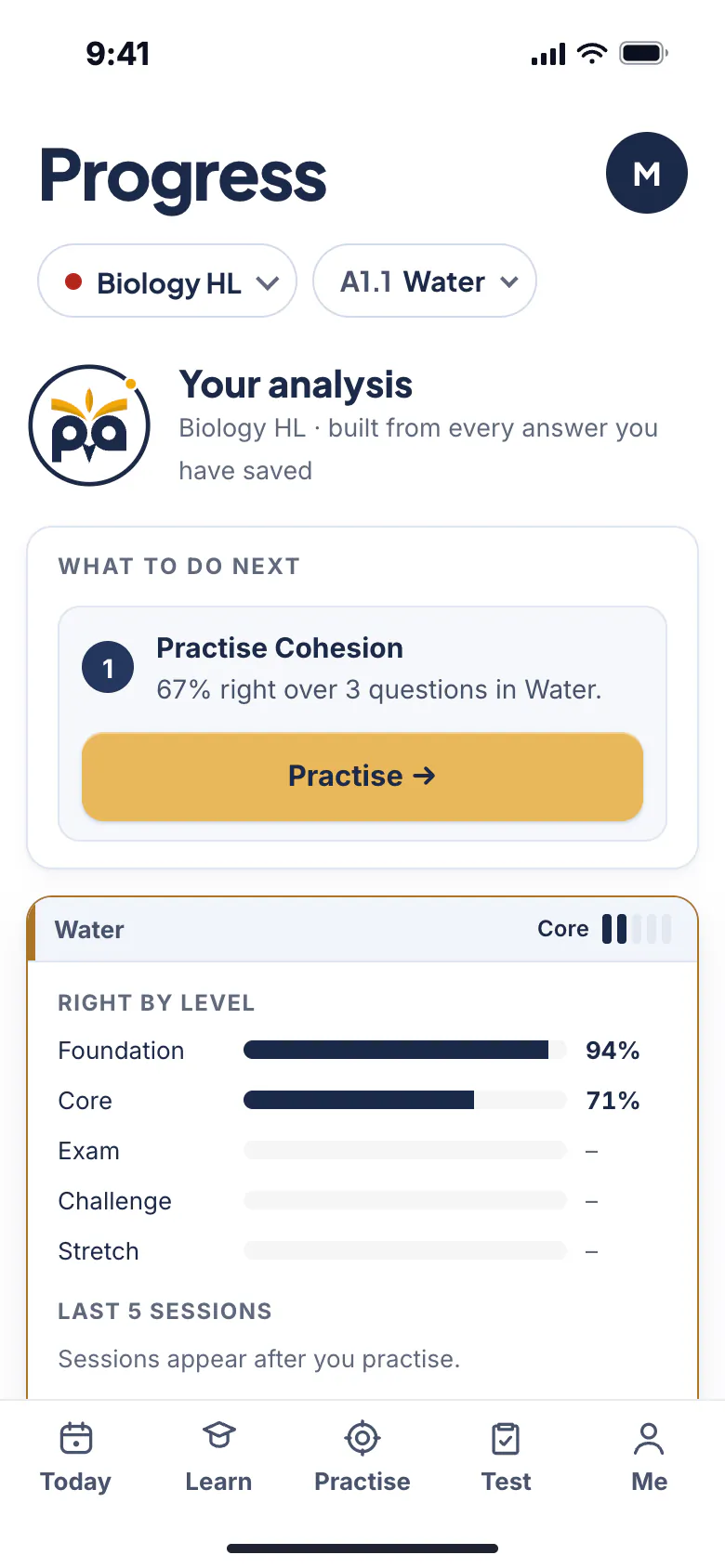
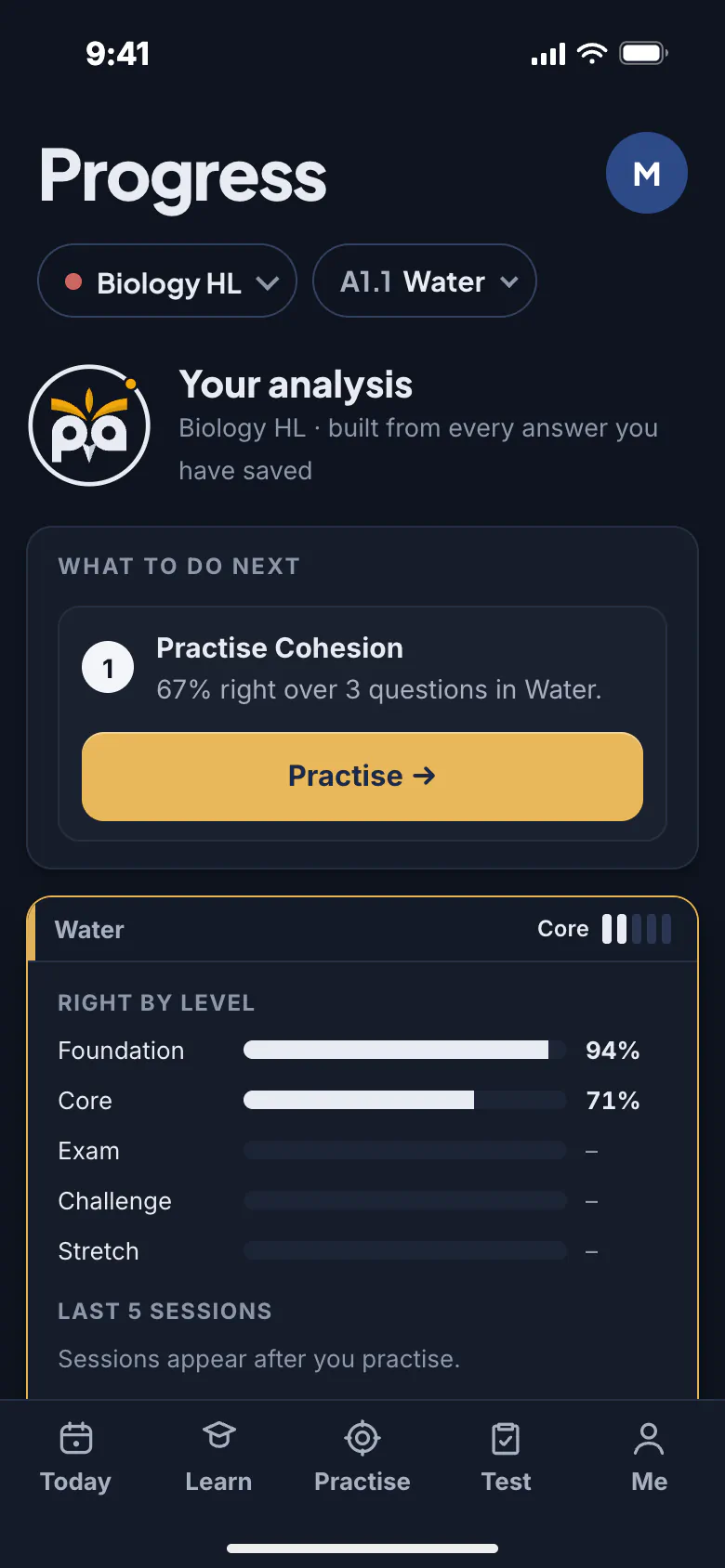
Accuracy by level, pace per mark, weakest subtopics, and one button to carry on.
Built for studying
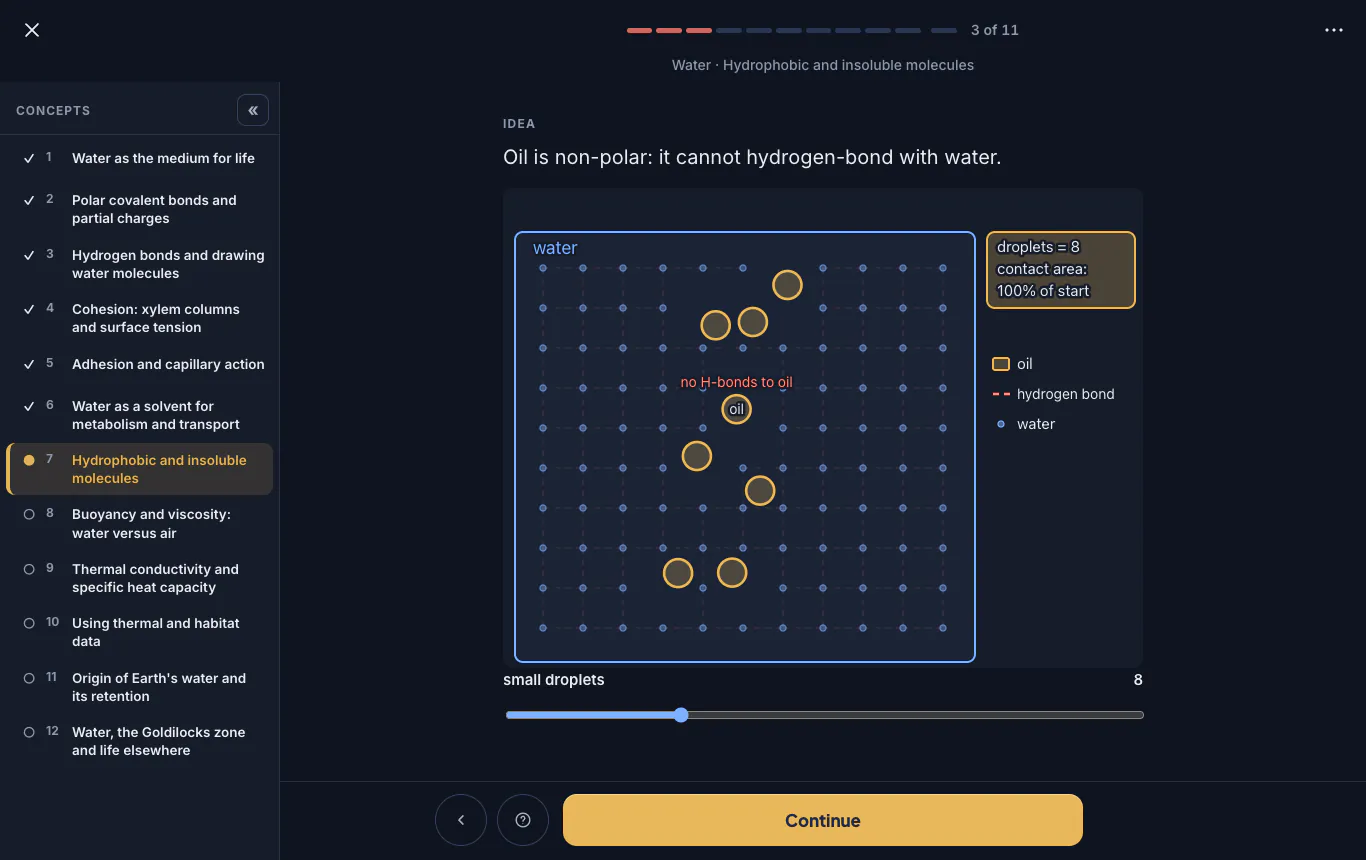
Every concept comes with a visual that moves. Replay it, drag the slider, see the idea change.
Ask for a hint and get the first move, not the answer. Show me the answer is there when you need it.
Press “I know this” on any lesson to take a quick test and jump ahead.
Choose your level and see only the content for it. Ten courses across five subjects.
It runs in your browser on a phone, tablet or laptop, so you can pick up wherever you are.
Sign in with your Library account to save your progress and carry on from another device.
Open either free topic in any course and work through its lessons, practice and stretch. Take your time. Sign in with your Library account to save your progress, and unlock the course you are studying when you are ready.
Learning Studio is a separate purchase from the Library. Want both? See the S$350 bundle below.
S$100 per course · 12 months · 2 topics free
Best for one course
Library S$250 + Learning Studio S$100 = S$350, for one course, 12 months. Same price as buying both, in one checkout. Read the notes and cheatsheets, learn each topic step by step, then practise.
Who made this
Created by Ejaz Ahmad, IB teacher and founder of Photon Academy (ibtuition.sg). Photon Academy has taught the IB Diploma since 2015, and every lesson and question here is written by its IB-certified teachers. About Ejaz
A guided place to learn IB concepts, check your understanding and practise. Work through short steps, ask Photon the owl for a hint, then use your results to choose what to revisit.
Photon Learning Studio follows the current IB guides for Maths AA, Maths AI, Physics, Chemistry and Biology, at HL and SL. Choose your course to see the content for your level.
Yes. Two topics in every course are free, including their lessons, practice and stretch questions. No account or payment is needed to try them. Unlock a course for S$100 for 12 months.
Yes, when you are signed in. Use the same account as the Library to save your progress and pick up again on another device.
Use Photon Learning Studio in your browser on a laptop, tablet or phone. A larger screen gives you more room for diagrams and working.
Photon Learning Studio guides you through concepts with checks, hints and practice. The Library provides notes, cheatsheets and a separate question bank for revision. They are separate purchases (each covers one course for 12 months), or you can get both for one course as the Library + Learning Studio bundle, S$350.
S$100 gives you 12 months of Photon Learning Studio access to one chosen course: all its topics, guided lessons, practice, stretch and analysis. Choose Maths AA, Maths AI, Physics, Chemistry or Biology at HL or SL. Each course is purchased separately.
For questions about an order or a refund, contact Photon Academy using the details on our terms page. Try the free topics before you buy. Read the terms →
No account needed. Pick your subject and open the path.