Schools & organisations
For teachers invited by their school admin. Your school admin invites you, then you sign in with your school Google account.
Worksheet Studio · guided tour
About 2 minutes, seven steps, a fictional sample school and no sign-in. Every AI draft is checked and teachers approve everything before it enters a bank. School data stays private to the school.
Step 1 of 7
Your school admin invites you, then you sign in with your school Google account. Each teacher sees only their own subjects.
Step 2 of 7
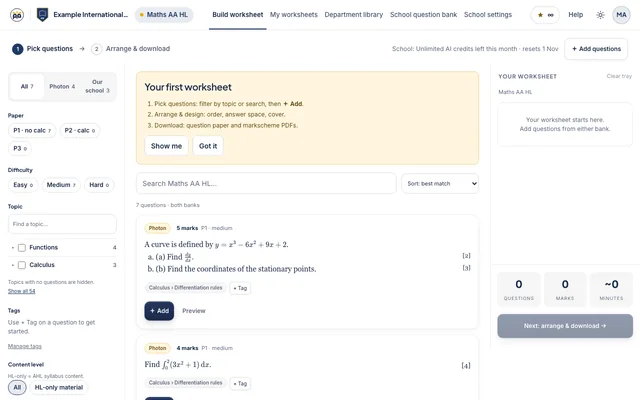
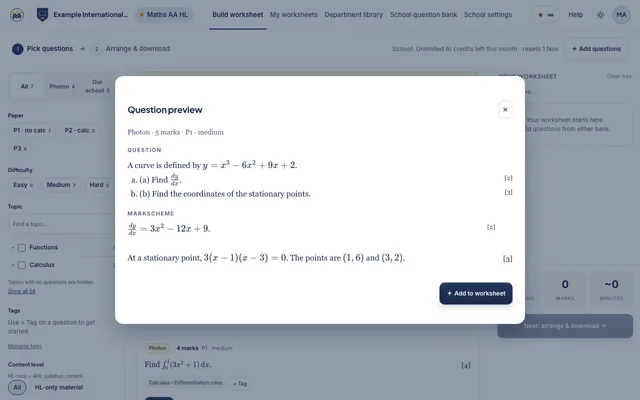
Filter by paper, difficulty and topic. Search Photon's bank and your school's own bank in one place, then tick what you want.
Step 3 of 7
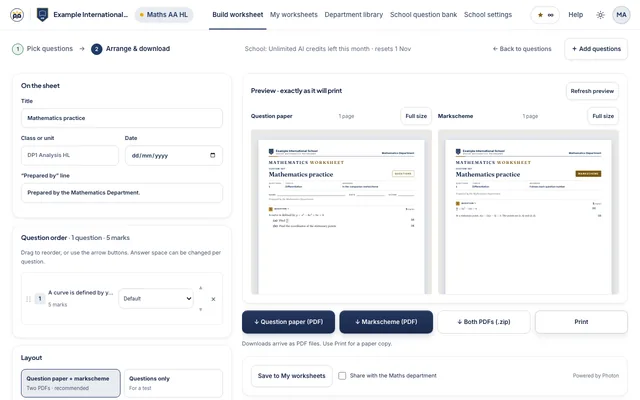
Put the questions in order, set the answer space for each, and choose a design and cover page.
Step 4 of 7
Get the question paper and a matching markscheme as PDFs, exactly as the preview shows them.
Step 5 of 7
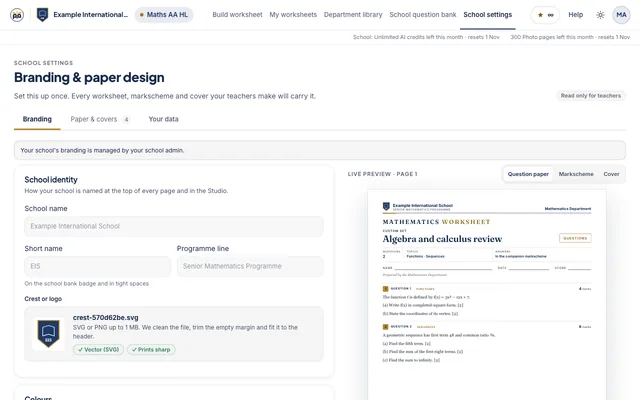
Set your crest, school name and colours once in Settings. Every paper and markscheme carries them.
Step 6 of 7
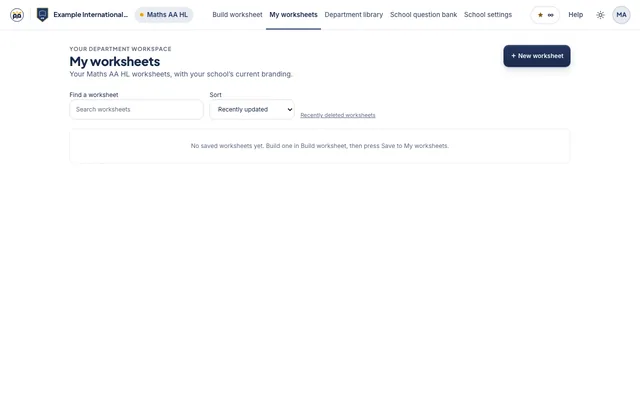
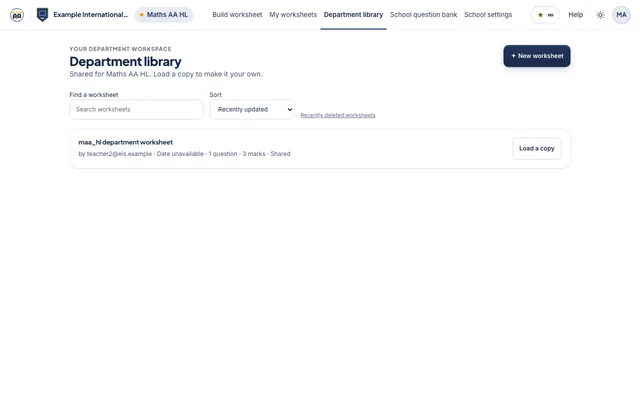
Saved worksheets live in My worksheets. Share the good ones to the Department library so the whole department can reuse them.
Step 7 of 7
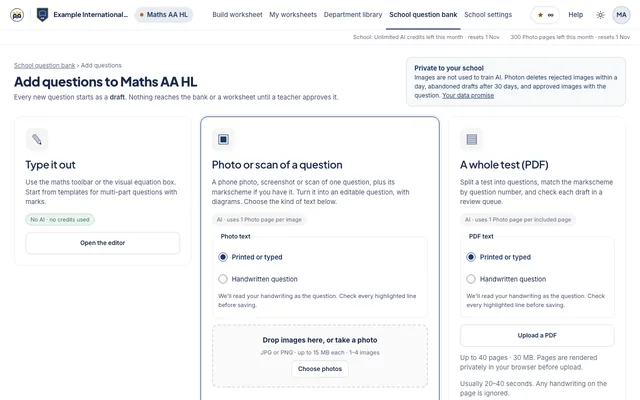
Turn a photo or PDF into editable questions. You review the result before it is saved to your school bank.
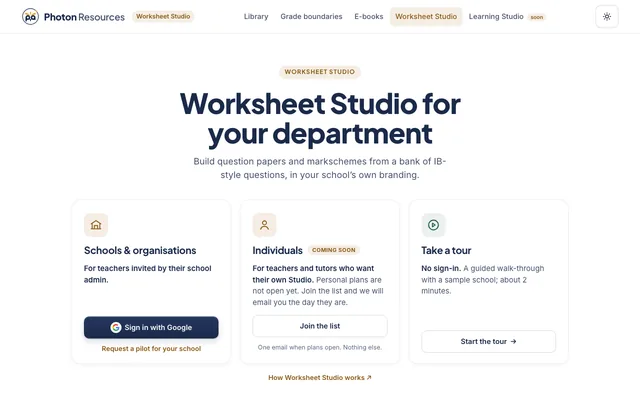
Pick the way in that fits you.
For teachers invited by their school admin. Your school admin invites you, then you sign in with your school Google account.
For teachers and tutors who want their own Studio. Personal plans are not open yet. Join the list and we will email you the day they are.
No sign-in. A guided walk-through with a sample school; about 2 minutes.